

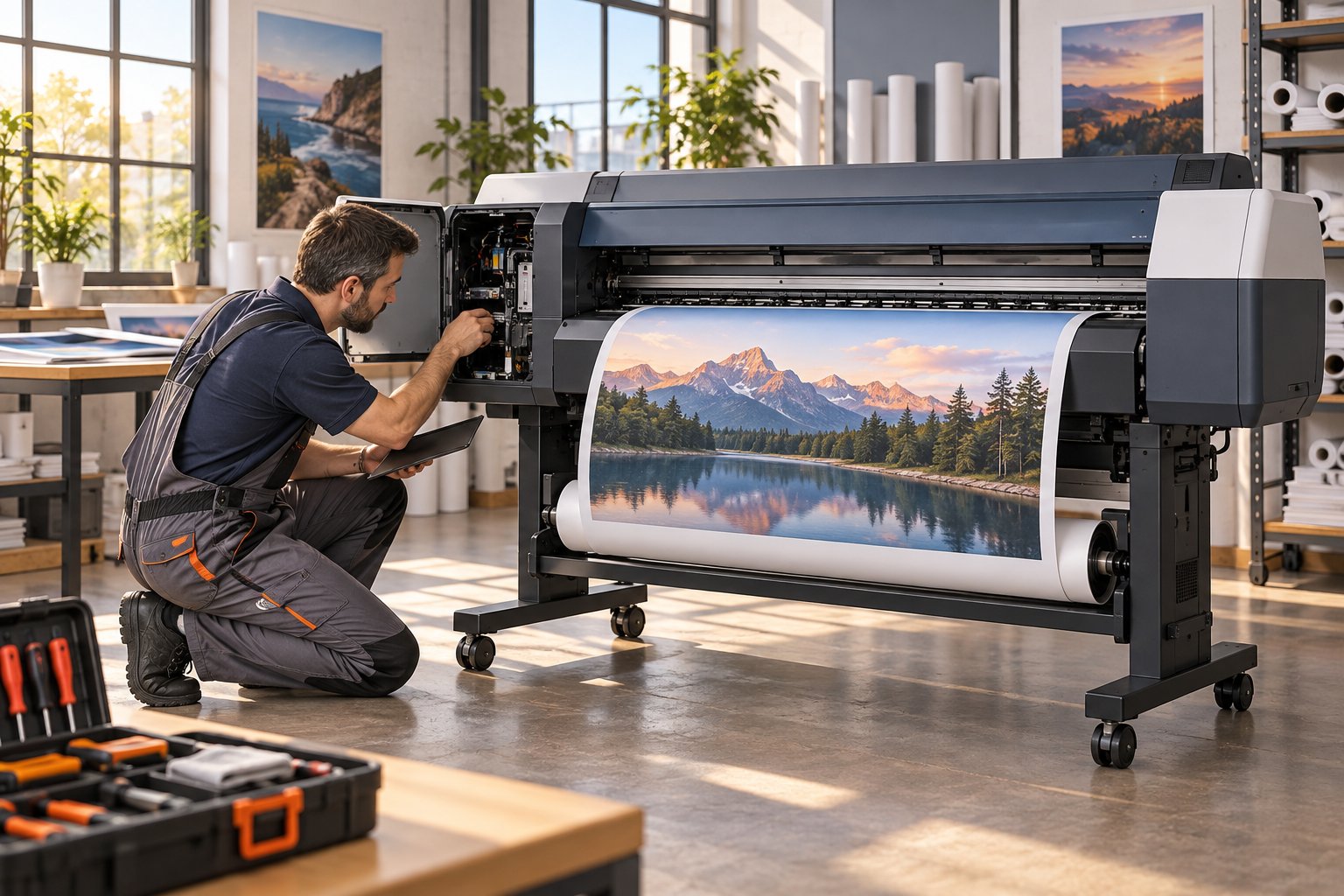
A 44-inch printer is part of the production floor, not something you can easily carry to a repair counter. When an Epson SureColor P9000 develops a fault, on-site service lets the assessment begin where the printer is used. Image Pro International provides on-site repair for Epson large-format printers in Miami and across our South Florida service area.
Know which P9000 you have
Epson identifies the SureColor P9000 as a 44-inch large-format printer. Its Standard Edition product code is SCP9000SE; the Commercial Edition is SCP9000CE. Include the edition, full model and serial number in your service request. These product codes identify the printer version, rather than an ink cartridge or replacement part.
Describe the fault before the technician visits
Explain whether the printer stops with a message, produces missing colors or lines, has trouble feeding media, or fails to receive a print job. Copy the exact message from the display. A photograph of the affected output and a record of when the fault began can help prepare the visit.
For print-quality concerns, retain a nozzle-check sample produced using Epson’s instructions for your model. Also record the paper name and selected media setting. A symptom description helps guide an assessment; it does not establish which component needs replacement.
Why the installed setup matters
An on-site visit provides the opportunity to consider the printer alongside its normal media, computer and connection. Let us know which application sends the jobs and whether the issue occurs across several files or only one. Keep an example of an affected job available, with customer-sensitive content removed if needed.
Prepare the workspace
- Provide the service address, parking information and building access instructions.
- Identify a staff member who can explain the fault and operate the usual print workflow.
- Clear reasonable working space around the printer and keep the affected media available.
- Tell us about stairs, restricted access or other conditions that affect the visit.
- List maintenance or changes already attempted, including when they occurred.
Contact us before moving the equipment or attempting internal repairs. Depending on the assessment, repair may require parts or a follow-up visit. Appointment timing and any warranty route should be confirmed before service is booked.
Arrange on-site large-format printer service
Image Pro International provides on-site service for Epson and Canon large-format printers in South Florida. Call 305-969-8863 or complete our repair request form with the model, symptoms and service address. We cover Miami-Dade, Broward, Monroe and Palm Beach counties. Confirm model eligibility, appointment availability, warranty requirements and visit arrangements when you contact us.
Our Miami location is 7640 NW 25th Street, Unit 113, Miami, FL 33122. Business hours are Monday-Friday, 9:00 AM-5:00 PM. Learn more about our large-format printer repair services in Miami.
Related Image Pro resources
- Epson SureColor P9000 Standard Edition at Image Pro
- Image Pro guide: Epson vs Canon large-format printers
- Prepare for an on-site printer service visit
Technical reference
Epson P6000/P7000/P8000/P9000 user’s guide for model-specific maintenance instructions